
Managing Your Subscription
Subscription plans
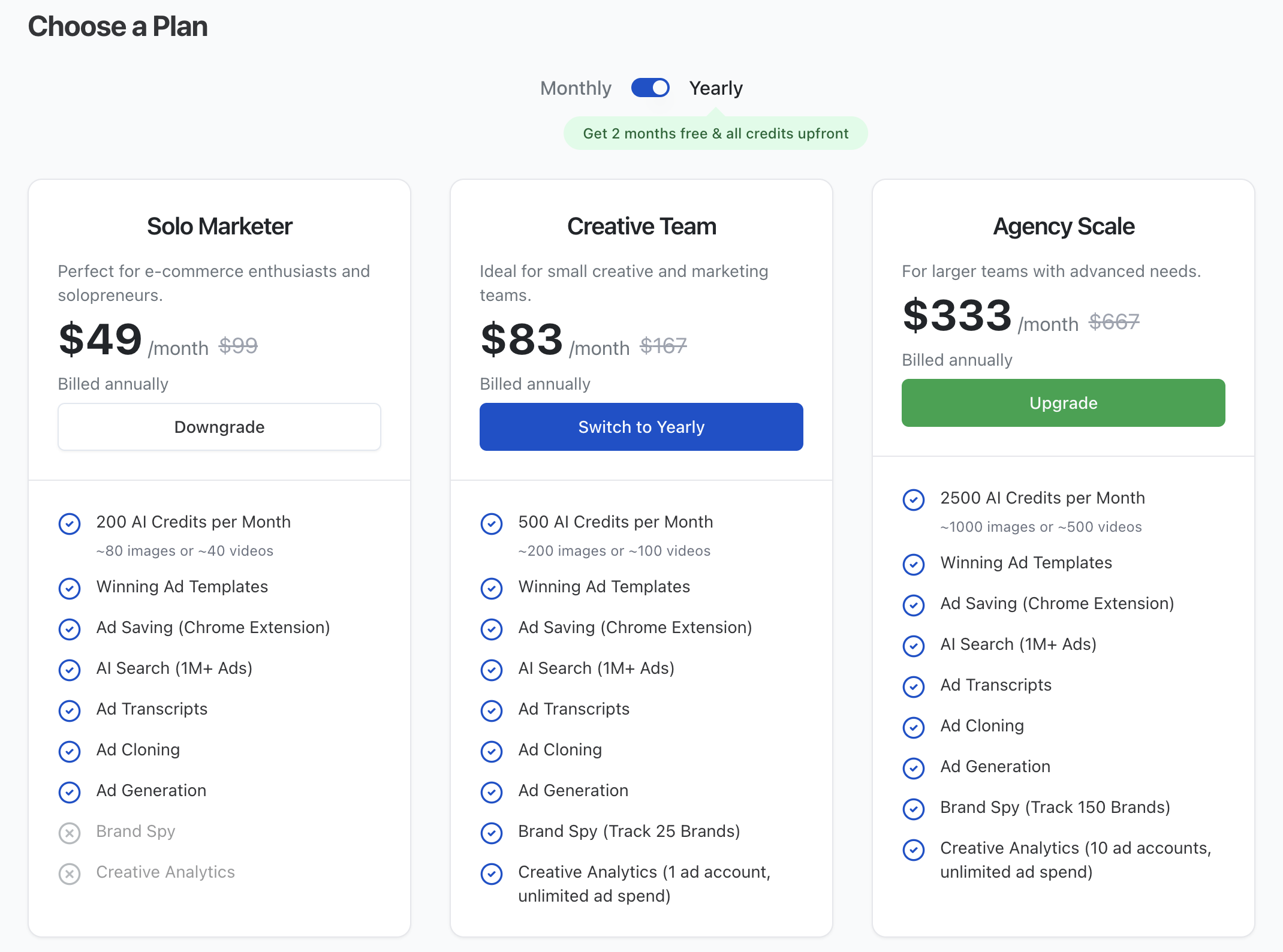
Skaler offers tiered subscription plans to fit different needs:
| Plan | Monthly | Yearly | Credits |
|---|---|---|---|
| Solo Marketer | $59/mo | $49/mo | 200/mo |
| Creative Team | $99/mo | $83/mo | 500/mo |
| Agency Scale | $399/mo | $333/mo | 2,500/mo |
| Enterprise | Custom | Custom | Custom |
Yearly billing saves you approximately 17% (two months free), and you get all credits upfront.
Viewing your current plan
- Click your avatar at the bottom of the Navigation Rail.
- Select Your Plan from the menu.
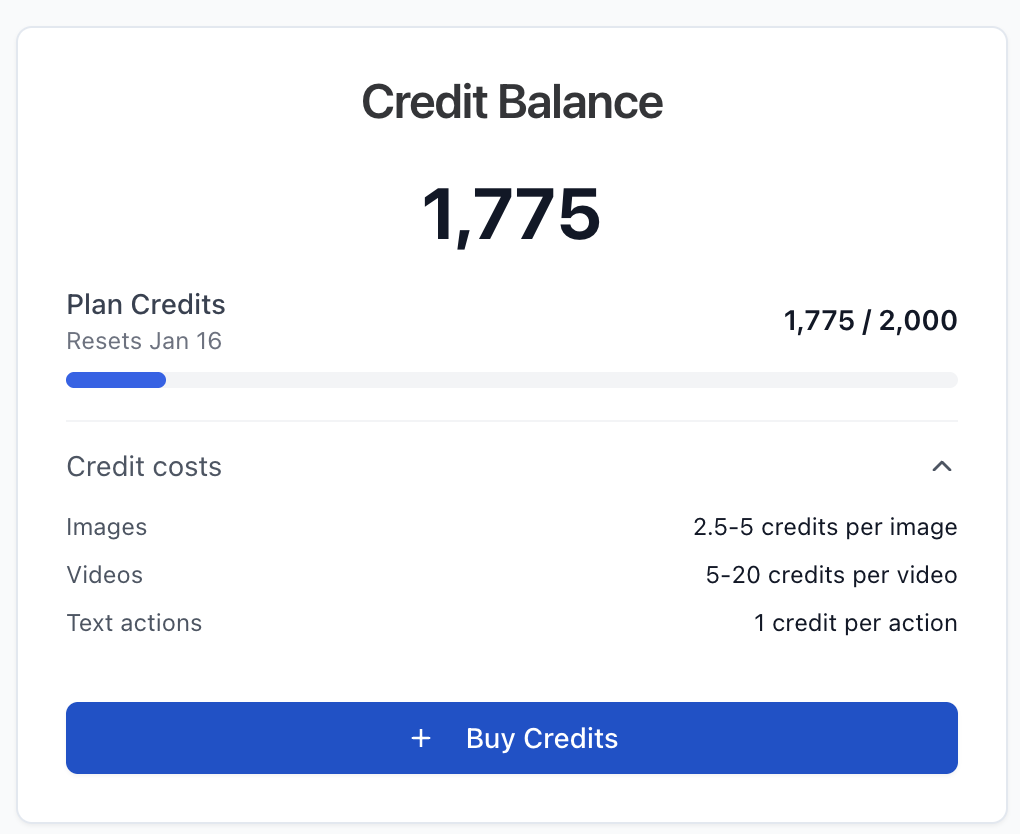
- You'll see your current plan, credit balance, next billing date, and price.
Upgrading your plan
- Go to Your Plan from the user menu.
- Browse available plans and click Upgrade on the plan you'd like.
- Confirm the upgrade in the dialog — you'll see the prorated charge.
- Your new plan and credits take effect immediately.
You can also switch between Monthly and Yearly billing from the same page.
Downgrading or canceling
- Downgrade — Select a lower-tier plan. The change takes effect immediately.
- Cancel — Click Cancel Subscription at the bottom of the currently active plan card. You'll be asked for a reason and can leave optional feedback. Access continues until the end of your current billing period.
Important note about credits
Credits do not roll over when changing plans. Any unused credits will be lost when upgrading, downgrading, or changing billing cycles.
Billing and invoices
- Skaler uses Stripe for all payment processing.
- Click View Invoices on the subscription page to see your billing history.
- If you have billing questions, use the Support & Feedback option in the user menu or visit the Contact page.