
Using Ad Discovery
What is Ad Discovery?
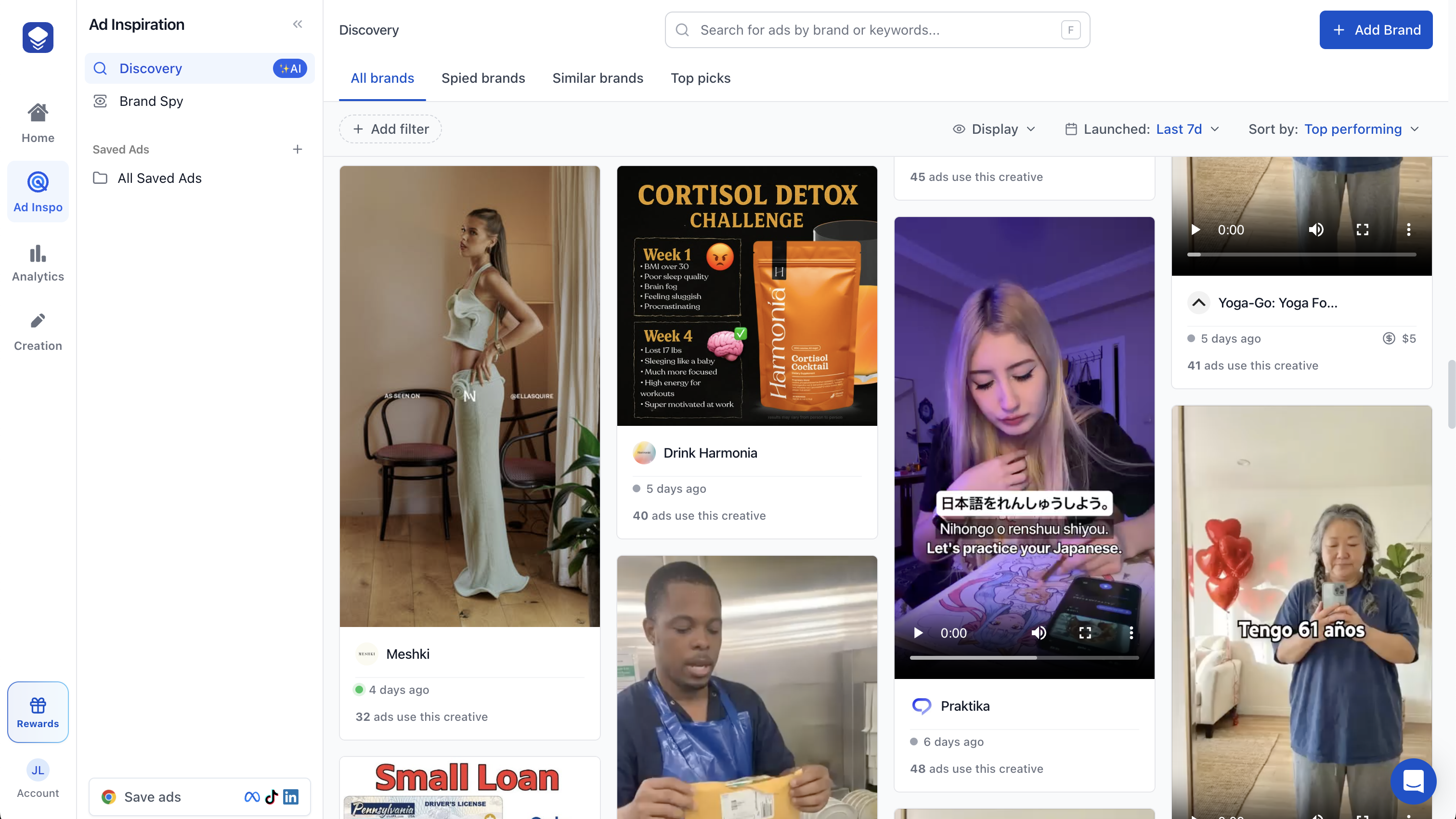
Ad Discovery is Skaler's tool for finding and exploring ads across the Meta Ad Library. Use it to research what competitors are running, spot trends, and save inspiration for your own campaigns.
How to use Ad Discovery
- Navigate to Ad Inspo > Discovery from the sidebar.
- Use the search bar to find ads by brand name, keyword, or AI-powered search.
- Browse results across four tabs:
- All brands — Trending ads from the Skaler feed.
- Spied brands — Ads from brands you're following.
- Similar brands — Ads from brands similar to your products.
- Top picks — Curated ad templates.
Filtering and sorting
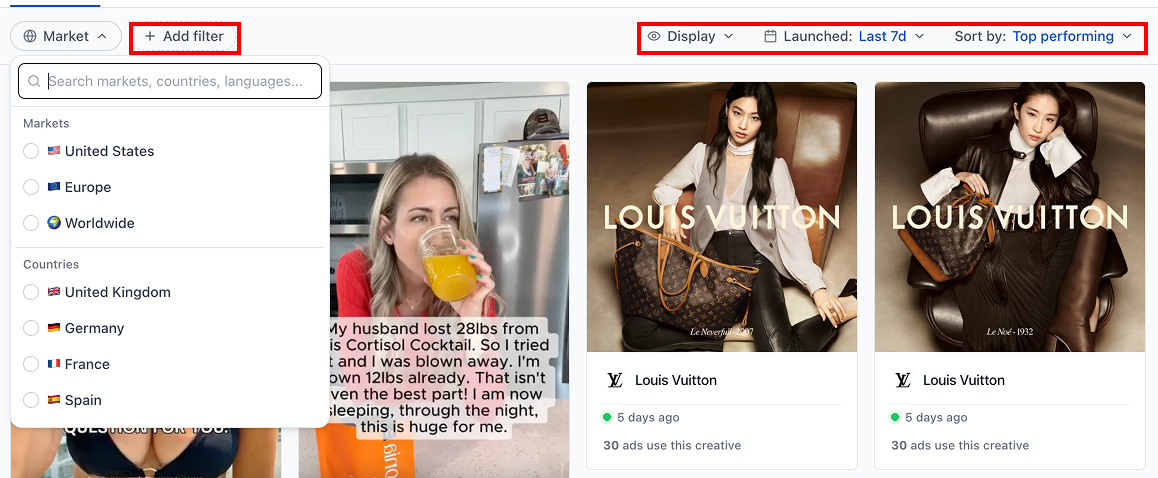
Use the filter bar to narrow results by:
- Date range — This week, last 7 days, last 30 days, or all time.
- Status — Active or inactive ads.
- Type — Image or video.
- Languages — Filter by ad language.
- Region — US, Europe, Worldwide, or specific countries.
- Brand categories — Filter by industry or niche.
Sort results by top performing, top spend/reach, most duplicated, newest, or longest running.
Saving ads
When you find an ad you like:
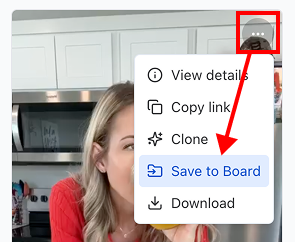
- Click the Save icon on the ad card.
- Select a board from the dropdown or search for one.
- Click Save to add the ad to your Ad Library.
Skaler will automatically extract and transcribe any text from the ad.
You can also use the Skaler Chrome Extension to save ads directly while browsing the Meta, TikTok, or LinkedIn Ad Libraries.
Tips for effective research
- Use AI search for more natural queries like "UGC testimonial" or "product demo".
- Check the Spied brands tab regularly to monitor competitors you're tracking.
- Save ads into themed boards (e.g., "Video Hooks", "Static UGC", "Carousel Ads") for easy reference.