
How to Pause Instagram Reels in 2026 (Without Holding the Screen)
Instagram Reels now pause with a single tap. Here's how to use the new feature, why it might not work yet, and how to mute Reels without pausing.

 Follow on LinkedIn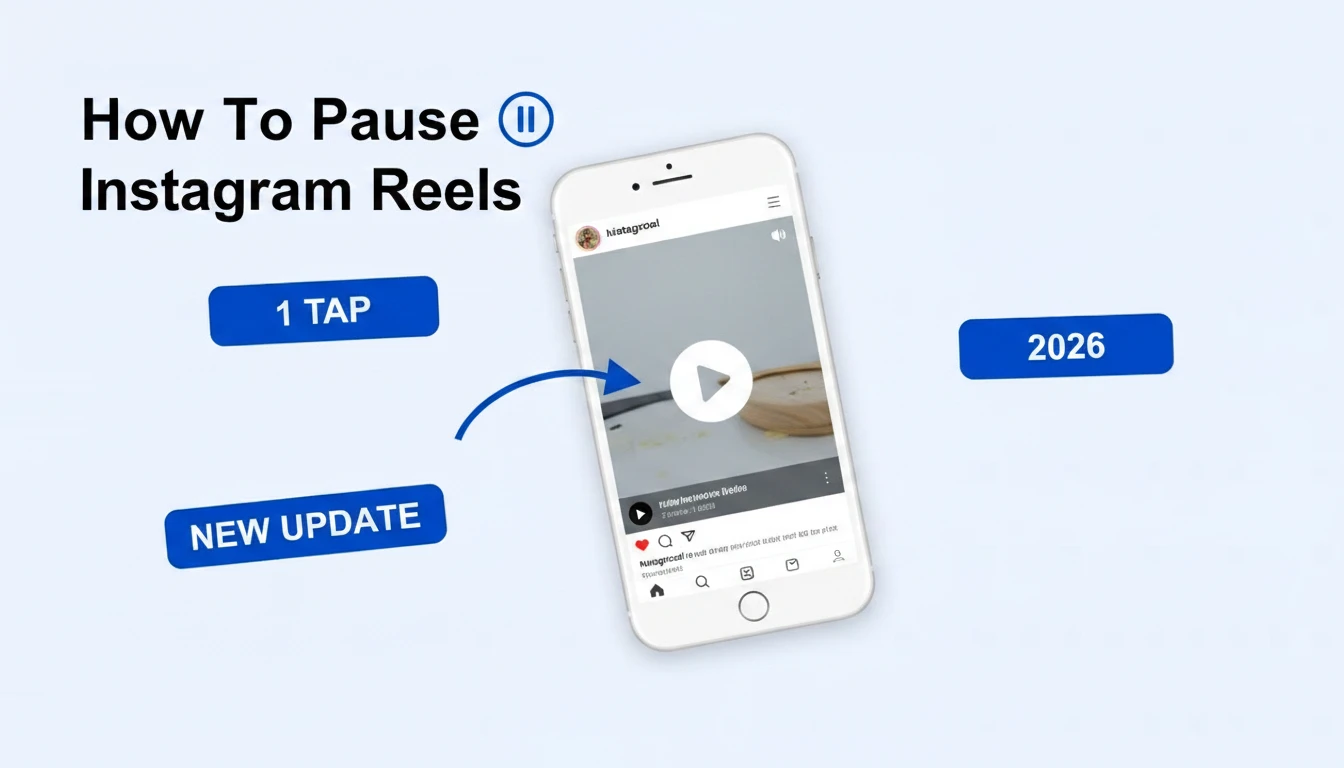
The press-and-hold era is over. Here's how the new one-tap pause works, and what to do if you don't see it yet.
TL;DR: As of March 18, 2026, Instagram lets you pause Reels with a single tap on the screen. Tap once to pause, tap again to resume, and use the new speaker icon above the play button to mute audio without pausing. Press-and-hold now triggers 2x fast-forward instead. If tap-to-pause isn't working, update Instagram and force-close the app.
For years, the only way to freeze an Instagram Reel was the awkward press-and-hold gesture: keep your thumb on the screen, don't move it, and pray you don't accidentally swipe to the next video. Instagram has finally settled the long-running A/B test and shipped a real, single-tap pause button to all users globally. Adam Mosseri's caption for the rollout: "Finally."
How do you pause Instagram Reels with one tap?
To pause an Instagram Reel, tap once anywhere on the video. A large white play button appears in the center of the screen, and the Reel freezes in place. Tap the screen (or the play button) again to resume playback. This works the same way YouTube Shorts and TikTok handle pause, so the muscle memory transfers cleanly.
Quick steps:
- Open the Instagram app and scroll to a Reel
- Tap once anywhere on the video
- The Reel pauses, and a play icon appears in the middle of the screen
- Tap again to resume
You can pause a Reel anywhere it plays inside the app: the main Reels feed, the Explore tab, a creator's profile grid, or a Reel embedded in your home feed.
How do you pause Instagram Reels without holding the screen?
You don't need to hold anymore. The press-and-hold gesture has been repurposed: holding on the left or right side of the Reel now plays the video at 2x speed (similar to TikTok's hold-to-fast-forward). A simple tap is the new pause. If you press and hold by habit, you'll just speed through the Reel instead of freezing it.
If you still see the old hold-to-pause behavior, your app version is behind the rollout. Update Instagram from the App Store or Play Store, force-close the app, and reopen it. The change rolls out automatically; there's no setting to toggle.
How do you mute Instagram Reels instead of pausing?
To mute a Reel without pausing it, tap the small speaker icon that appears above the play button when the video is playing or paused. It mutes only that Reel; your phone's system volume stays untouched. Previously, a single tap muted the audio. That role has now moved to the dedicated speaker icon, freeing the tap gesture for pause.
This is the change that confuses long-time users the most. If muscle memory is screaming "tap = mute," remember:
- Tap the video = pause
- Tap the speaker icon (top-right area, above the play button) = mute
- Tap the speaker icon again = unmute
Both controls persist as you scroll: if you mute one Reel, the next Reel will keep audio off until you tap the speaker icon again or scroll back into a sound-friendly Reel.
🔍 If you pause Reels to study what competitors are running, Skaler saves you the scrolling: search competitor Reels and Meta ads by brand, keyword, or category, all in one searchable library. Try it free →
Why can't I pause Instagram Reels?
If tapping the screen still doesn't pause your Reels, it's almost always one of three things: the global rollout hasn't reached your region yet, your Instagram app version is too old, or you're tapping on an interactive element (a poll sticker, link, or profile tag) that captures the touch. Update the Instagram app, force-close it, and try again on a plain Reel without overlays.
A short troubleshooting checklist:
- Update the app: open the App Store (iOS) or Play Store (Android) and pull to refresh; tap Update next to Instagram
- Force-close and reopen: swipe Instagram out of your app switcher, then launch it again
- Try a different Reel: sponsored Reels and Reels with interactive stickers, polls, or tagged products sometimes intercept the tap
- Check your region: the rollout is global but phased. If you've just updated and still see the old behavior, give it a few hours
- Restart your phone: rare, but it forces Instagram to pick up newly cached config flags
There's no in-app setting that disables tap-to-pause, so if everything is up to date and you still don't see it, you're in the long tail of the rollout. It will appear automatically.
How do you pause Instagram Reels on desktop?
On Instagram for web (instagram.com), Reels pause with a click. Click anywhere on the video to pause; click again to resume. The same play and speaker icons appear, with the speaker icon controlling Reel-level mute. Keyboard shortcuts (space bar) don't currently work in Reels on web; you have to click the video.
What this means for marketers and creators
The one-tap pause is small UX, big behavior. Viewers can now stop on a frame to read text overlays, screenshot a hook, or study a transition without an awkward thumb hold. Two practical implications for anyone running paid social on Meta:
1. Text-on-screen ads got more powerful. If your Reel ad relies on dense captions or a list of features ("3 reasons our skincare works"), viewers can now actually pause and read them. This rewards high-information static frames inside otherwise fast-cut videos.
2. Studying competitors is easier. Pausing a Reel ad to study its hook or its punchline used to require a steady thumb. Now you can analyze any Reel frame-by-frame, the same way you'd dissect a static ad. If you do this manually, you can also do it at scale: tools like Skaler's Brand Spy capture Reels ads from the Meta Ads Library so you can pause, replay, and download them without scrolling forever in the wild.
For organic creators, the shift means you should design the 5-second freeze frame: the moment in your Reel where, if a viewer paused, they'd see the most important hook, CTA, or product. Treat that frame as a static ad inside the video.
Frequently Asked Questions
Does pausing a Reel count as a view? Yes. Instagram counts a Reel view based on play time, not on whether the video is paused. Pausing won't hurt the creator's metrics, and it doesn't trigger a separate engagement signal.
Can I screenshot a paused Instagram Reel? Yes. Tap once to pause, then take a screenshot the normal way (Power + Volume Up on iPhone, Power + Volume Down on most Android phones). The creator is not notified; Instagram only sends screenshot notifications for disappearing DMs, not for Reels.
Can I disable tap-to-pause on Instagram? No. There is no in-app toggle to revert to the old press-and-hold behavior. Instagram has fully committed to tap-to-pause across iOS, Android, and web.
What does press-and-hold do on Instagram Reels now? Holding on the left or right side of a Reel plays the video at 2x speed (fast-forward), similar to TikTok. When you let go, playback returns to normal speed.
Why does my Instagram still mute when I tap a Reel? You're on an older app version that's still using the legacy tap-to-mute behavior. Update Instagram from the App Store or Play Store, force-close the app, and reopen it. After the update reaches your account, tap will pause and the speaker icon will mute.
The takeaway
Instagram finally caught up to YouTube Shorts and TikTok on something basic. For viewers, it's a one-tap quality-of-life fix. For marketers, it's a small but real shift in how people consume Reels: more frames are now legitimately readable, which raises the bar on text overlays, captions, and the freeze-frame hook.
If you're on the latest app, you already have it. If you don't see it yet, give the rollout another day and update the app.
Study Reels ads frame-by-frame with Skaler
Now that your audience can actually pause your Reels, the frames matter. Skaler lets you find what's already working: search competitor Reels ads, save them, and analyze them at full resolution without thumb-holding.
Skaler indexes millions of Meta and TikTok ads (Reels included) so you can search by brand, keyword, or vertical and pull down winning creative in seconds. Free to start →
Related Articles

The 80 Most-Saved Meta Ads of August 2026 (Free Swipe File)
We tracked the 80 Meta ads media buyers saved the most this month — from Seed and Loop to AI soap operas running across 9 ad sets. Browse all 80 free, plus the 4 patterns behind them.
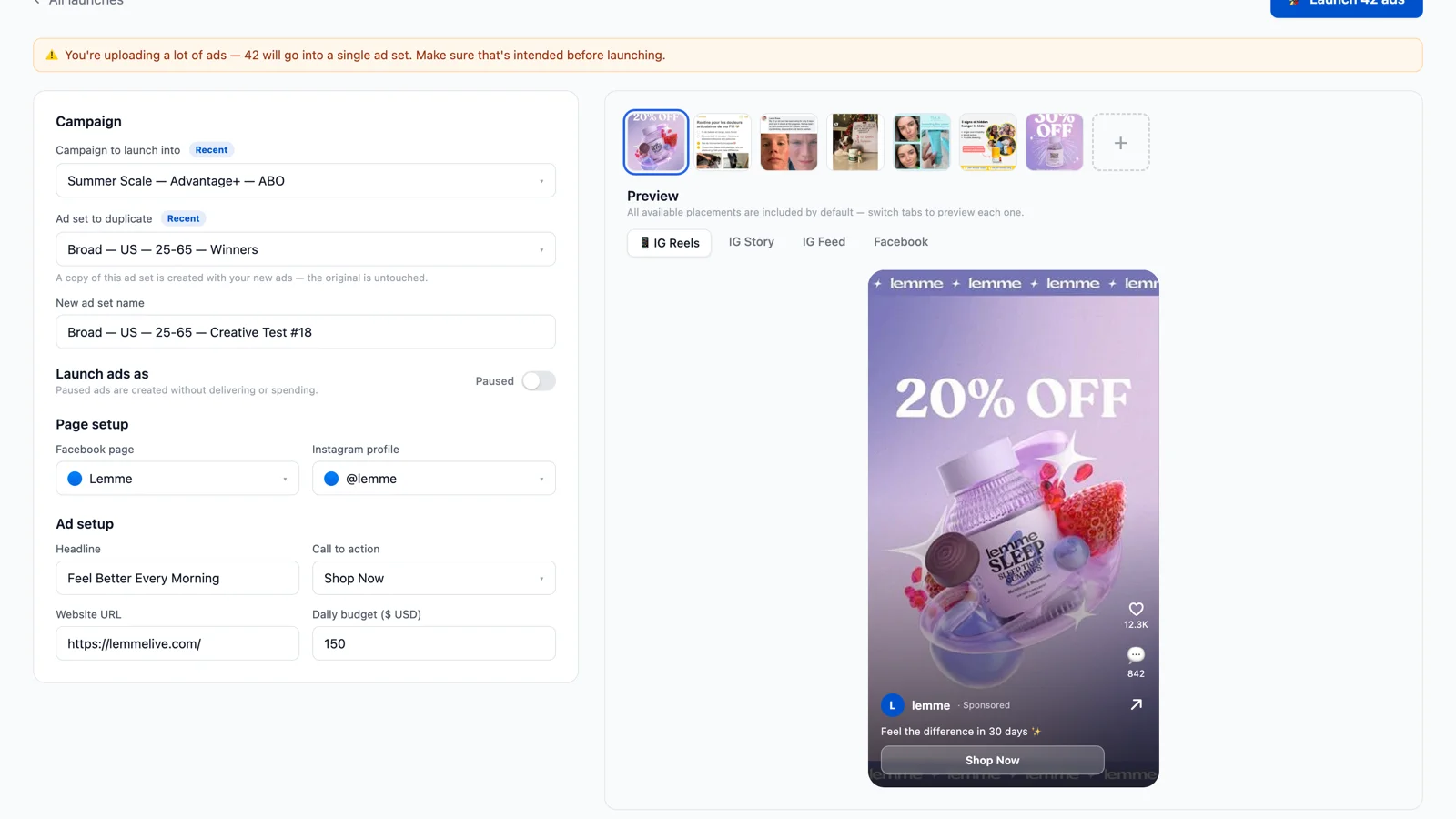
Bulk Ad Launcher for Meta: Launch 100 Facebook Ads in One Click
Skaler's new Bulk Ad Launcher takes you from creatives to live Facebook ads in minutes — drag and drop up to 100 files, duplicate a winning ad set, and launch with copy, budgets, and tracking auto-filled.