
Getting Started with Skaler: Your Complete Guide to AI-Powered Ad Creation
Learn how to set up Skaler and start creating high-converting ads in minutes. This comprehensive guide walks you through everything from account setup to launching your first campaign.

 Follow on LinkedIn
Welcome to Skaler! This guide will walk you through everything you need to know to start creating high-converting ads with AI assistance.
What is Skaler?
In today's fast-paced digital marketing landscape, creating compelling ad creatives that convert is more challenging than ever. Ad fatigue sets in quickly, competition is fierce, and creative production can become a major bottleneck.
Skaler solves these challenges by combining three powerful capabilities in one platform:
- Spy on competitors to discover what's working in your market
- Analyze your performance to identify your best creatives
- Create variations at scale using AI-powered tools
Watch: Quick Platform Walkthrough
Before diving into the setup, here's a quick video tour of Skaler's key features:
Setting Up Your Account
Getting started with Skaler is straightforward. Here's what you need to do:
Step 1: Sign Up
Visit skaler.app and click "Get Started For Free." You can sign up using your email or Google account. No credit card required to start exploring the platform.
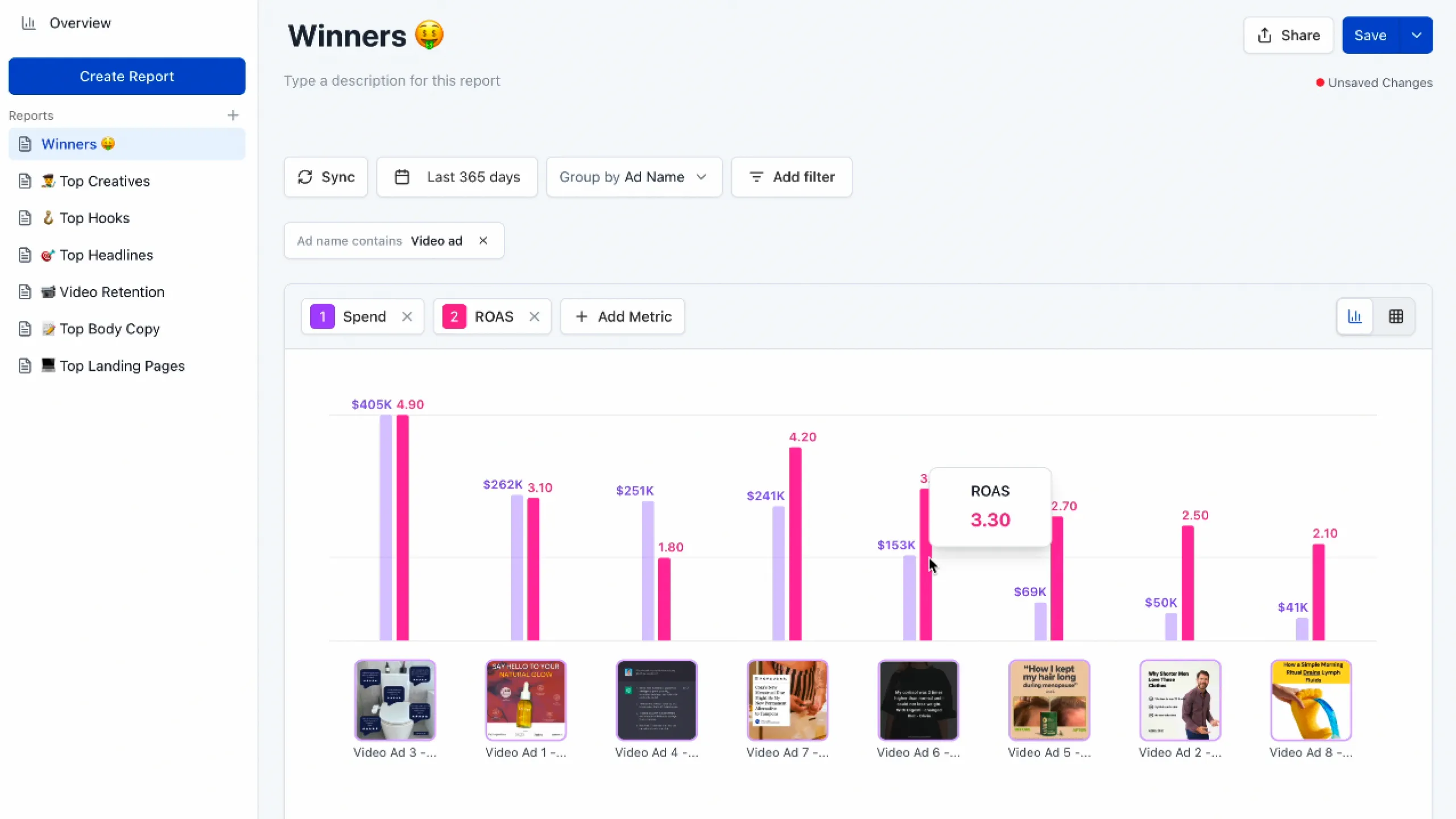
Step 2: Connect Your Meta Ad Account
To unlock Creative Analytics and see which of your ads are performing best, connect your Meta (Facebook) ad account:
- Navigate to Analytics in the left sidebar
- Click "Connect Ad Account"
- Authorize Skaler to access your ad data
- Select which ad accounts you want to track
Don't worry—your data is completely secure and only you can see it.
Step 3: Set Up Your First Product
Products (think of it as "Brands") are how Skaler organizes your creative work:
- Go to the Products section
- Click "Create New Product"
- Add your product website URL and Skaler will extract:
- Unique selling points
- Benefits
- Pain points
- Target audience
- Call to actions
- Tone of voice
- Brand color
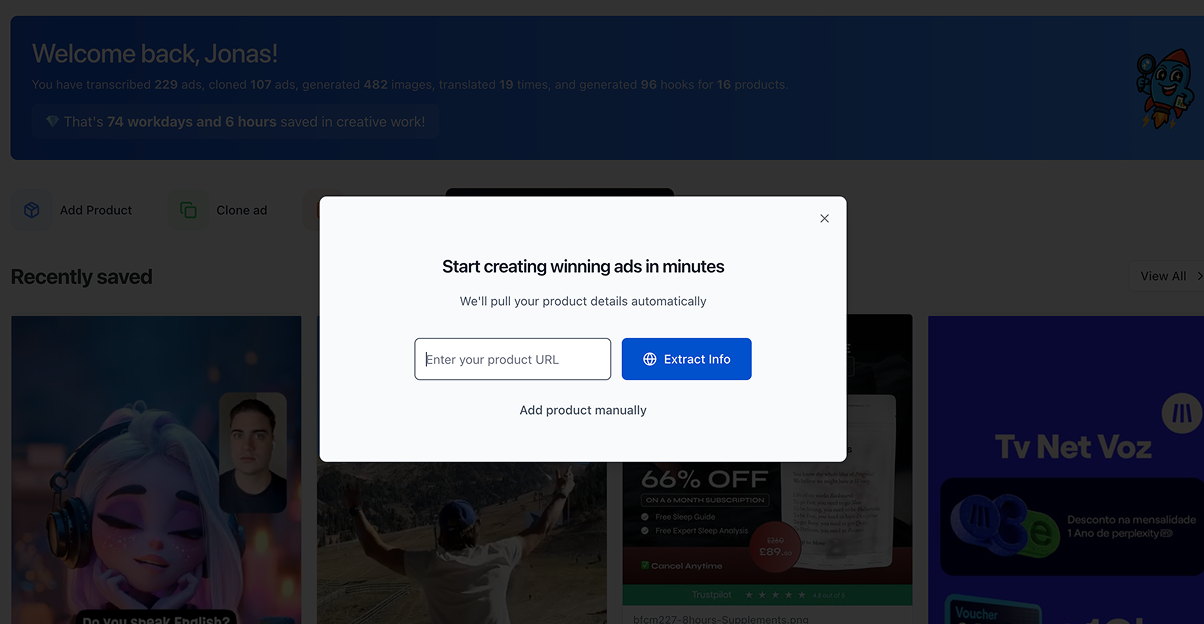 This information helps Skaler generate conversion-optimized creatives automatically for your product.
Discovering Winning Ad Concepts
Now that you're set up, it's time to find inspiration. Skaler offers multiple ways to discover what's working:
Brand Spy
Track any competitor and see their entire ad strategy:
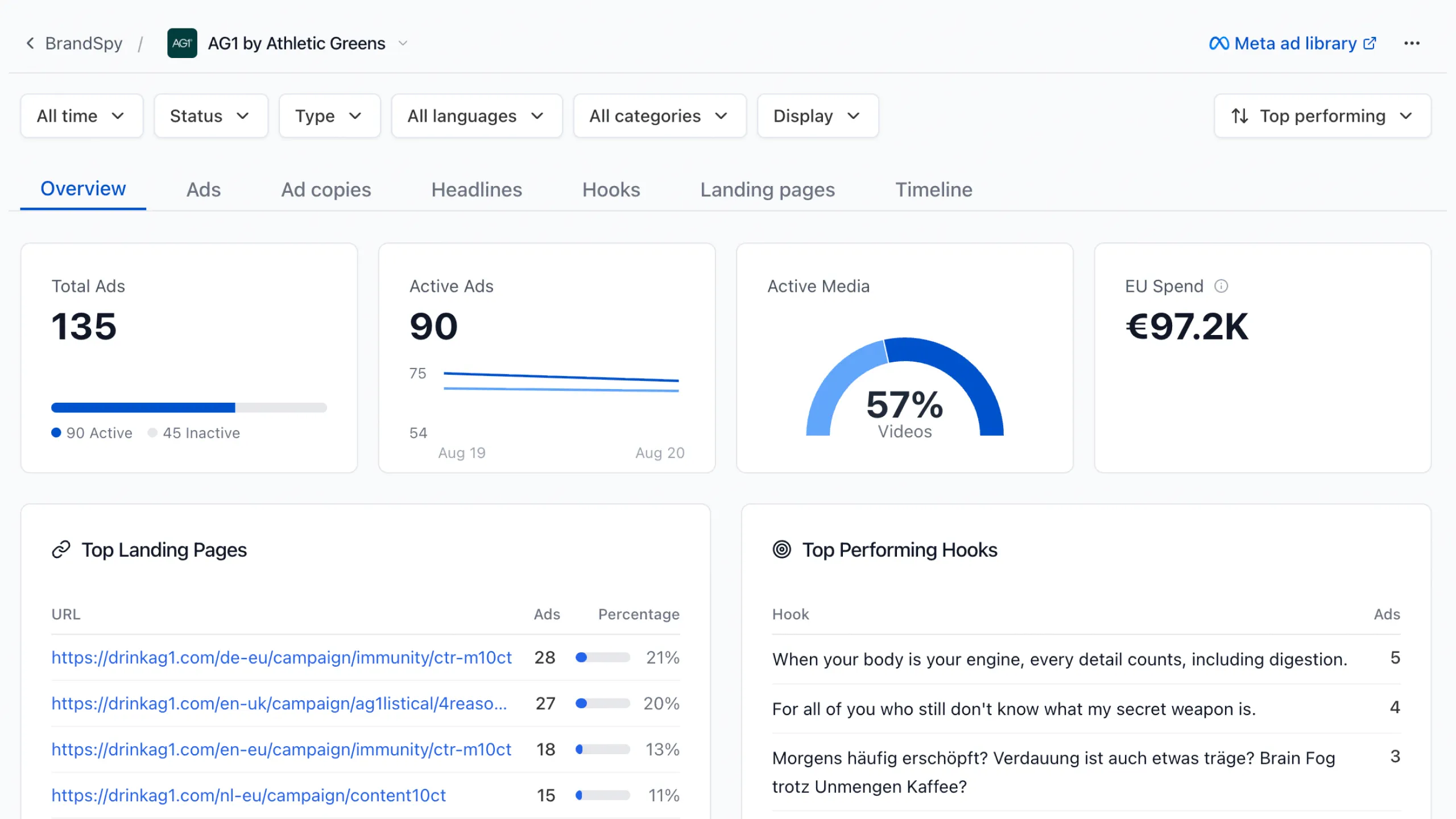
- Navigate to Brand Spy
- Enter a competitor's Facebook page name
- Browse their ads, filtered by platform, format, and date
- Save the best ones to your swipe file
Ad Discovery
Search the entire Meta Ad Library with advanced filters:
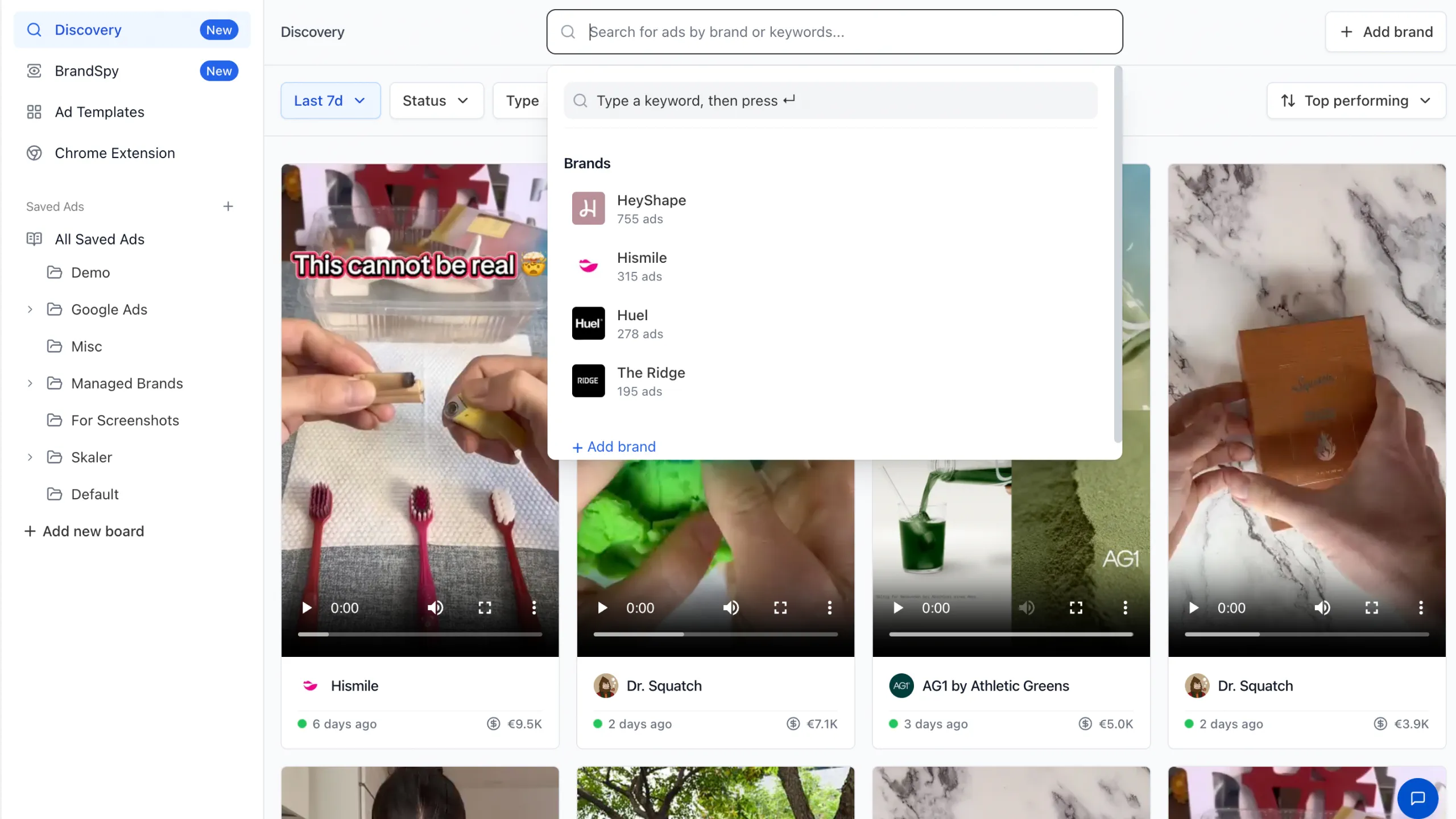
- Go to Discovery
- Search by keyword, brand, or industry
- Sort by longest-running, top-spending or most duplicated to find proven winners
- Filter by platform, country, language, and media type
Examples of ads with over €100,000 in ad spend:
Ad Templates
Browse 1,000+ curated winning ads organized by category:
- Open Ad Templates
- Browse by category (Testimonial, Features & Benefits, etc.)
- Preview ads and save favorites
- Clone any template to your brand
Creating Your First Ad
Once you've found inspiration, it's time to create. Skaler offers several creation paths:
AI Ad Cloning
Turn any competitor's ad into your own on-brand version:
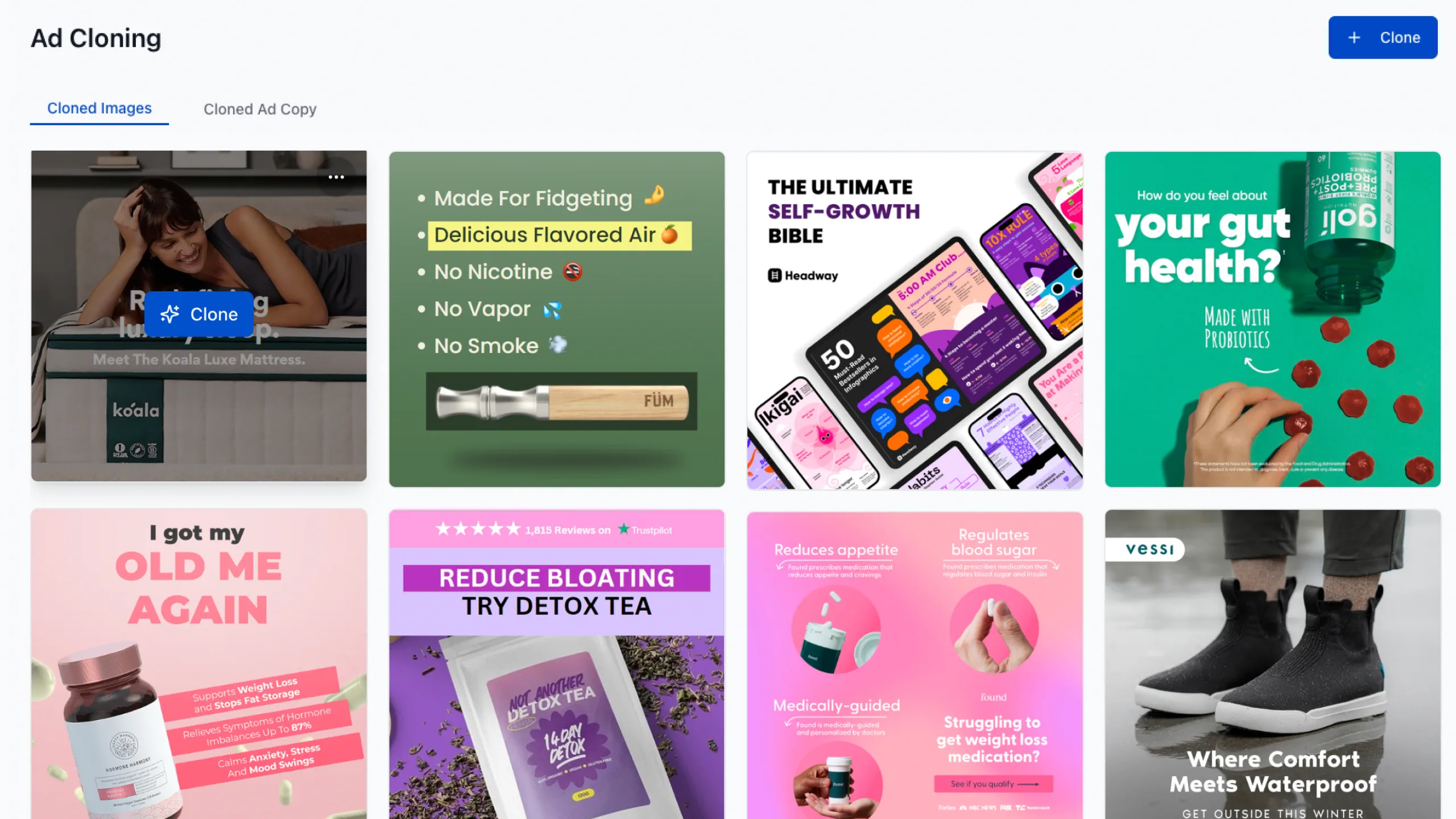
- Find an ad you want to clone (from Discovery, Brand Spy, or Templates)
- Click "Clone Ad"
- Select your product
- Choose image or video script output
- Generate variations
Skaler's AI analyzes the structure, hook, and design of the original ad and creates new versions using your brand assets.
Image Generation Hub
Create custom visuals without a photoshoot:
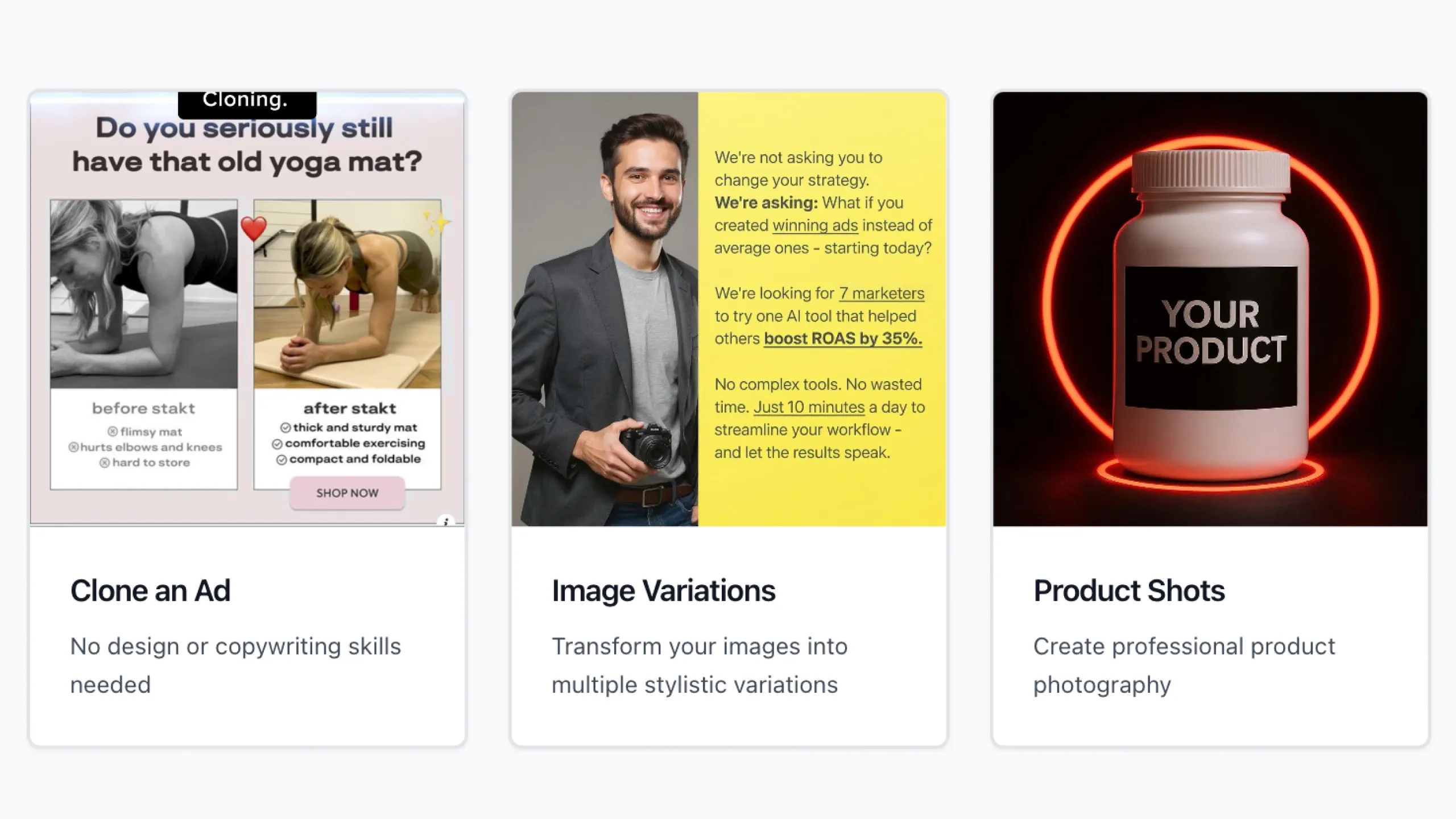
- Navigate to Creation > Images
- Choose your creation mode:
- Style Variations: Generate multiple artistic styles of an image
- Product Shots: Create professional product photography
- UGC Images: Generate authentic user-generated content style images
- Upload your product image
- Customize settings and generate
Hook Studio
Generate compelling video hooks that grab attention:
- Go to Hook Studio
- Select your product
- Choose hook types (problem-focused, curiosity-driven, etc.)
- Generate multiple hook types (problem-focused, curiosity-driven, etc.)
- Use them in your video scripts
Analyzing Performance
After launching your ads, Creative Analytics helps you understand what's working:
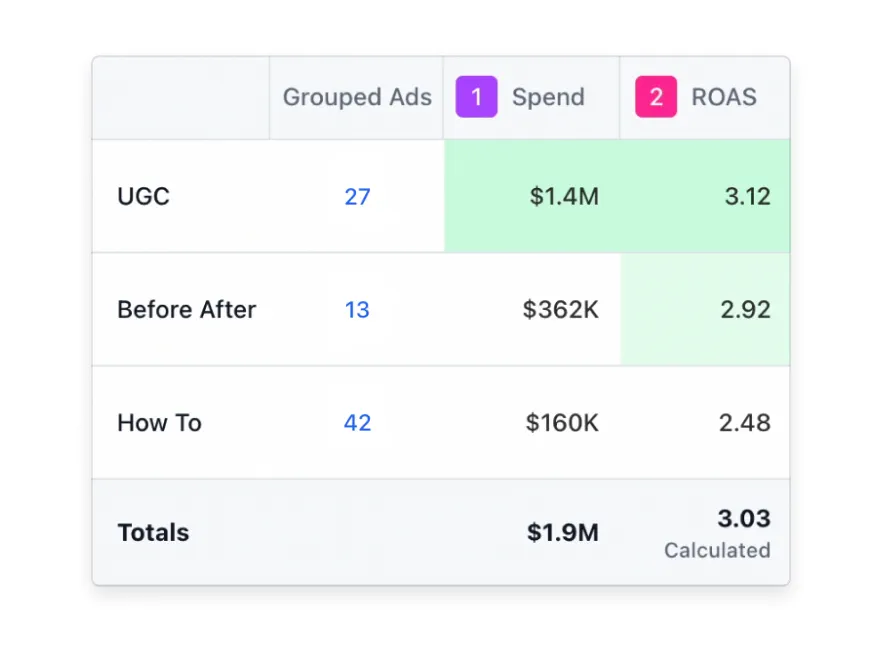
Key Metrics to Track
- ROAS: Return on ad spend
- CTR: Click-through rate
- CPA: Cost per acquisition
- CPM: Cost per thousand impressions
Identifying Winners and Losers
Skaler automatically categorizes your creatives:
- Winners: Top 20% by ROAS
- Testing: Middle 60%, still gathering data
- Losers: Bottom 20%, candidates for pausing
Spotting Ad Fatigue
Watch for these warning signs:
- Declining CTR over time
- Rising CPM
- Decreasing conversion rate
- Stagnant spend (algorithm isn't scaling it)
When you spot fatigue, use Skaler to generate fresh variations of your winning concept.
Scaling Your Winners
Once you've identified your best performers, it's time to scale:
Create Variations
Generate multiple versions of your winning ad to combat fatigue:
- Open the winning ad in Creative Analytics
- Click "Create Variations"
- Generate image variations with different:
- Backgrounds
- Headlines
- Layouts
- Color treatments
Localize for New Markets
Expand to new countries with one-click translation:
- Upload your winning ad
- Click "Translate"
- Choose target languages
- Skaler translates copy with cultural nuance
- Generate native voiceovers if needed
- Export for launch
Test Different Formats
If a static image ad wins, try it as a video. If a video wins, test key frames as statics. Skaler makes format testing effortless.
Best Practices
Here are some tips to get the most out of Skaler:
Start with Proven Concepts
Don't reinvent the wheel. Use Brand Spy and Discovery to find ads that have been running for months—they're likely profitable.
Test Volume Over Perfection
Launch 5-10 variations quickly rather than perfecting one. Let the algorithm tell you what works.
Keep Your Brand Kit Updated
Ensure your product profiles have accurate colors, fonts, and value props. This ensures all AI-generated creatives stay on-brand.
Review Before Launching
While Skaler's AI is powerful, always review generated creatives to ensure they align with your brand voice and messaging.
Monitor Performance Weekly
Check Creative Analytics weekly to catch fatigue early and keep your campaigns fresh.
Next Steps
Now that you know the basics, here's what to do next:
- This Week: Connect your ad account and explore your current creative performance
- Next Week: Find 3 competitor ads to clone and test
- Ongoing: Set a weekly review to analyze performance and generate new variations
Get Help
Have questions? We're here to help:
- In-app support: Click the help icon in the bottom right
- Email: hello@skaler.app
Welcome to Skaler—let's create some winning ads!
Related Articles
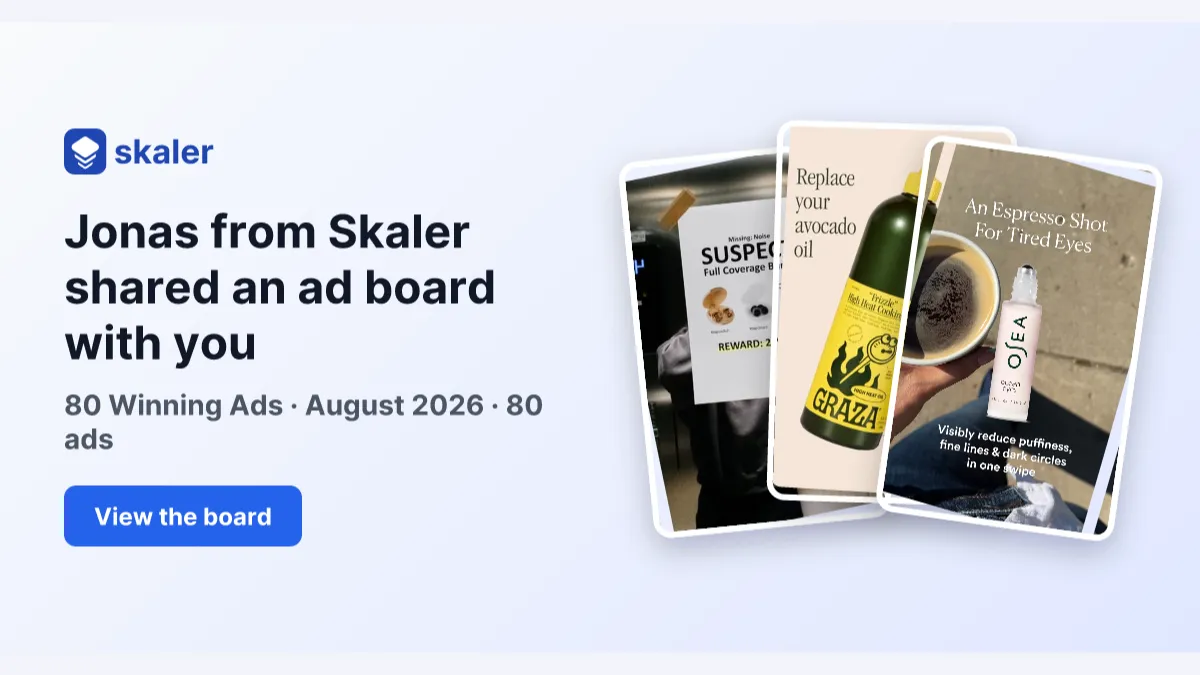
The 80 Most-Saved Meta Ads of August 2026 (Free Swipe File)
We tracked the 80 Meta ads media buyers saved the most this month — from Seed and Loop to AI soap operas running across 9 ad sets. Browse all 80 free, plus the 4 patterns behind them.
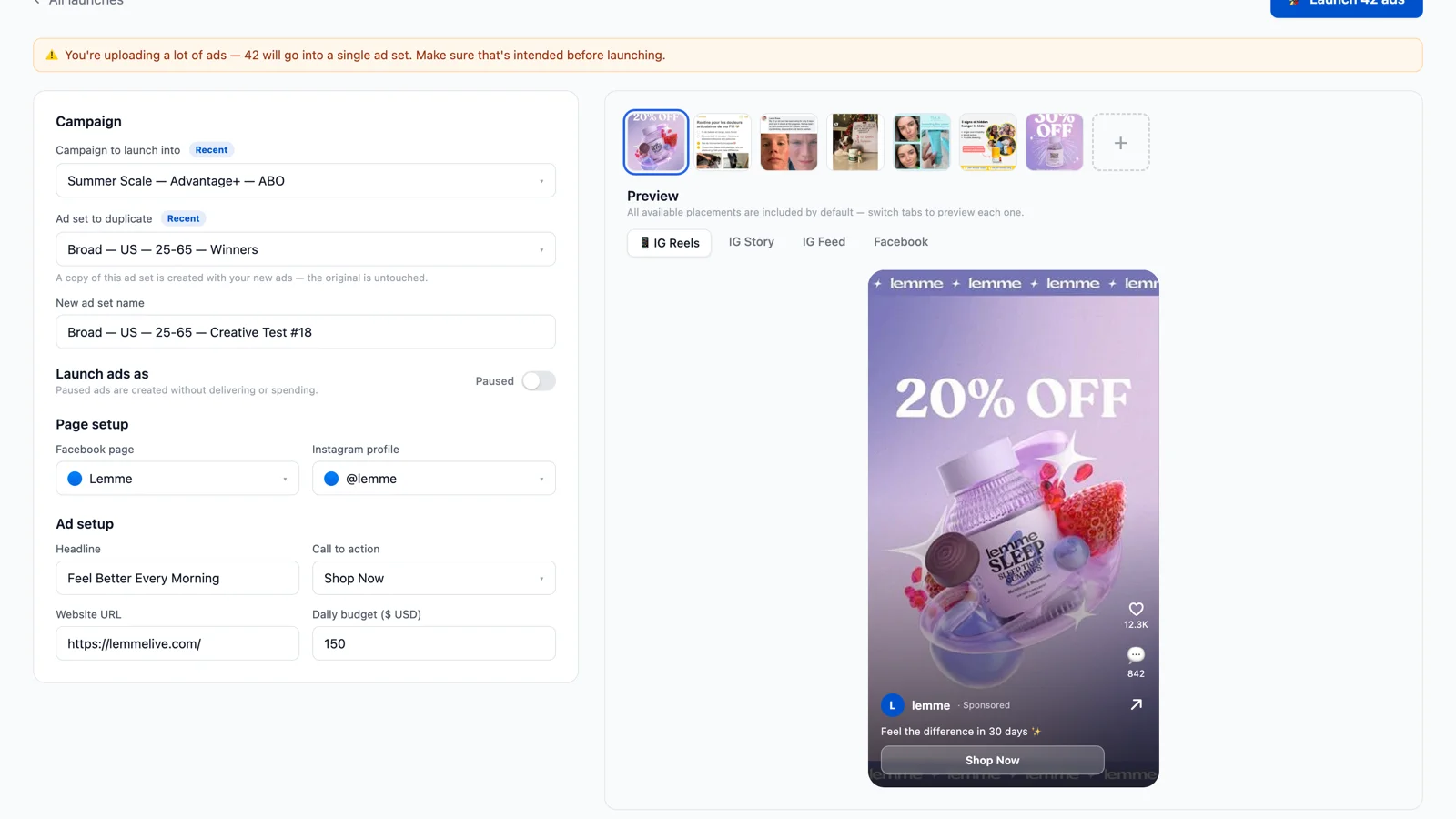
Bulk Ad Launcher for Meta: Launch 100 Facebook Ads in One Click
Skaler's new Bulk Ad Launcher takes you from creatives to live Facebook ads in minutes — drag and drop up to 100 files, duplicate a winning ad set, and launch with copy, budgets, and tracking auto-filled.