
Creating Your Account
Sign up for Skaler
Getting started with Skaler is quick and easy. Follow these steps to create your account and begin scaling your ad creative production.
Create your account
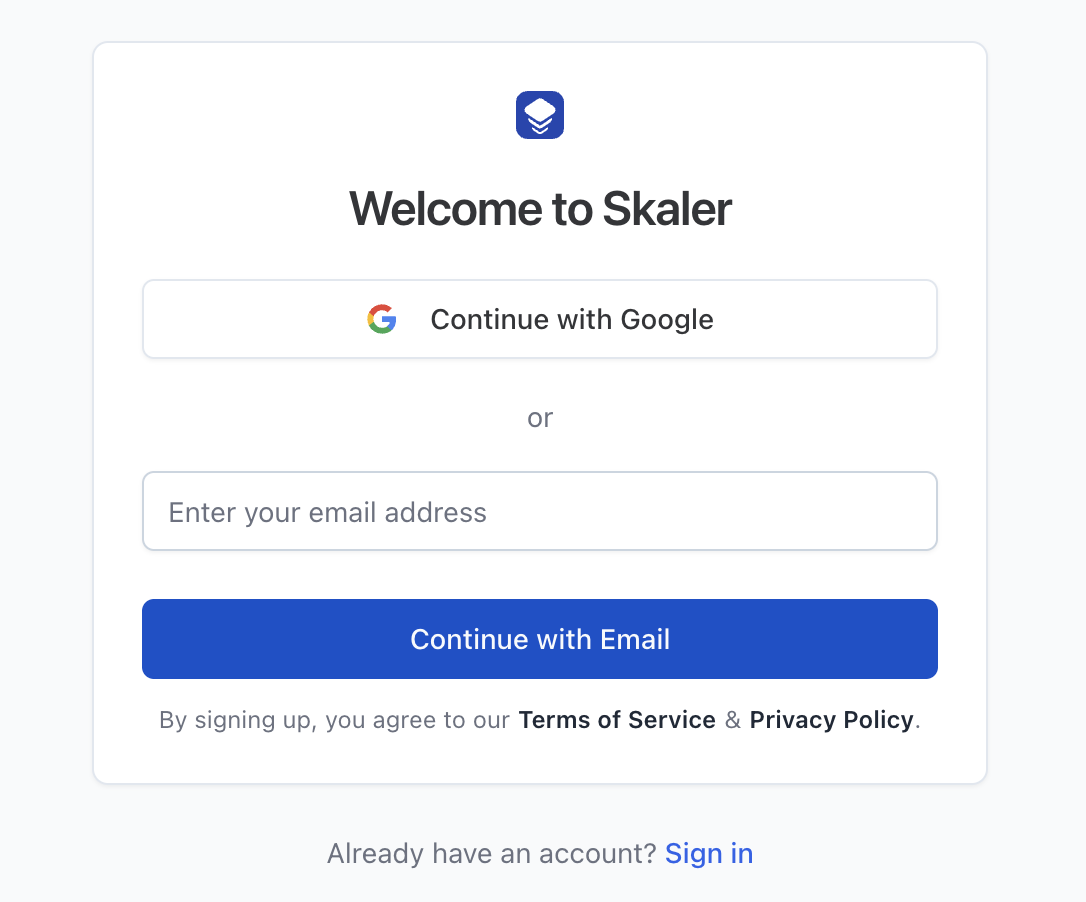
- Visit skaler.app and click Get Started in the top navigation bar.
- You can sign up using Google ("Continue with Google") or with your email address.
- If you sign up with email, you'll enter your email first, then your full name and a password (minimum 6 characters) on the next step.
Complete onboarding
Once you're logged in for the first time, Skaler walks you through a guided onboarding flow:
- Survey — Tell us how you heard about Skaler (optional, you can skip this).
- Product URL — Enter your product or brand website URL. Skaler will automatically extract your brand name, description, colors, USPs, and more.
- Analysis — Review the extracted product details and adjust anything that needs correcting.
- Inspiration — Spy on similar brands and select reference ads for cloning.
- Generated Ads — Skaler generates ad creatives from templates based on your product.
- Connect Meta — Optionally connect your Meta Ad account to unlock analytics.
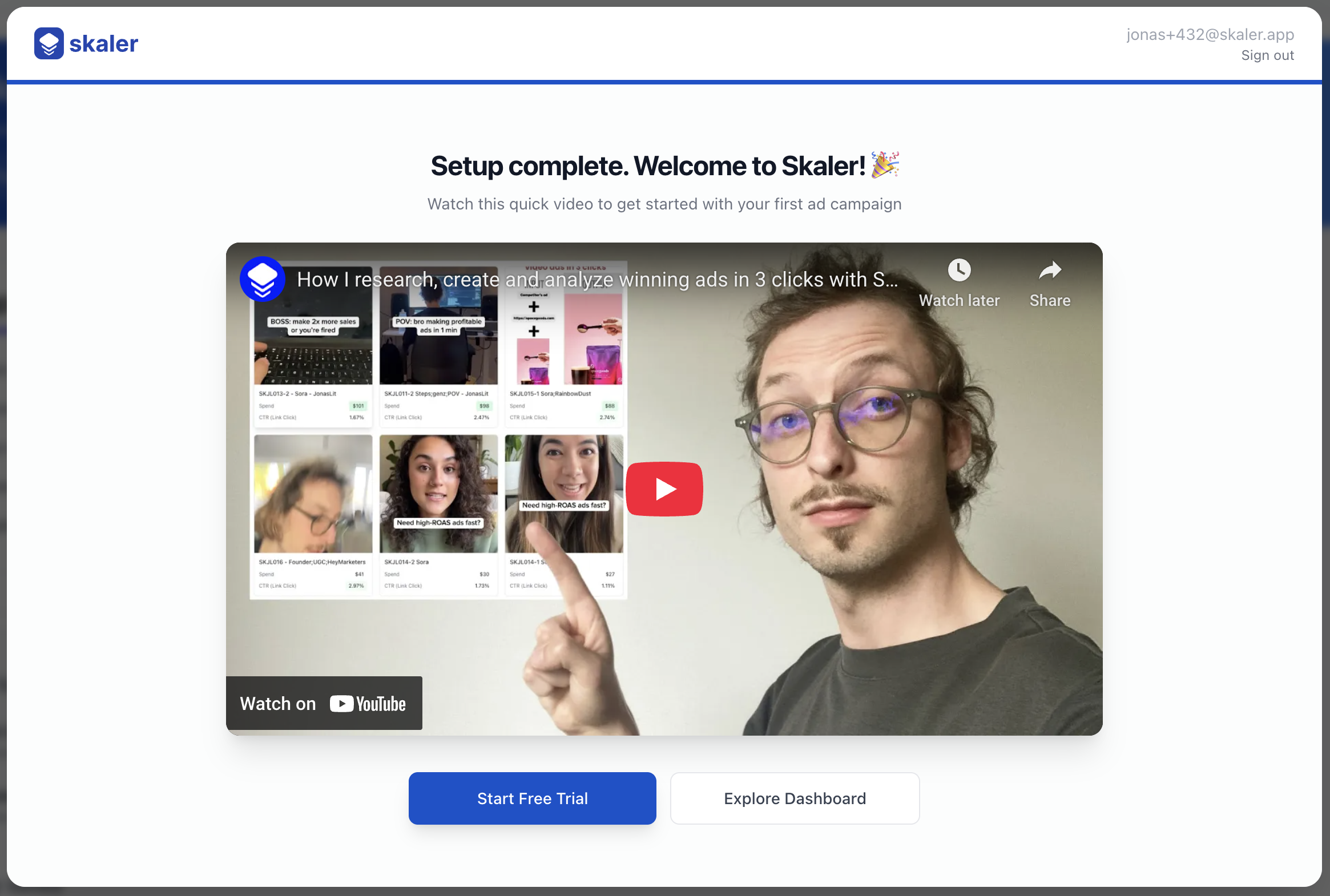
- Welcome Video — Watch a quick intro video, then start exploring or begin your free trial.
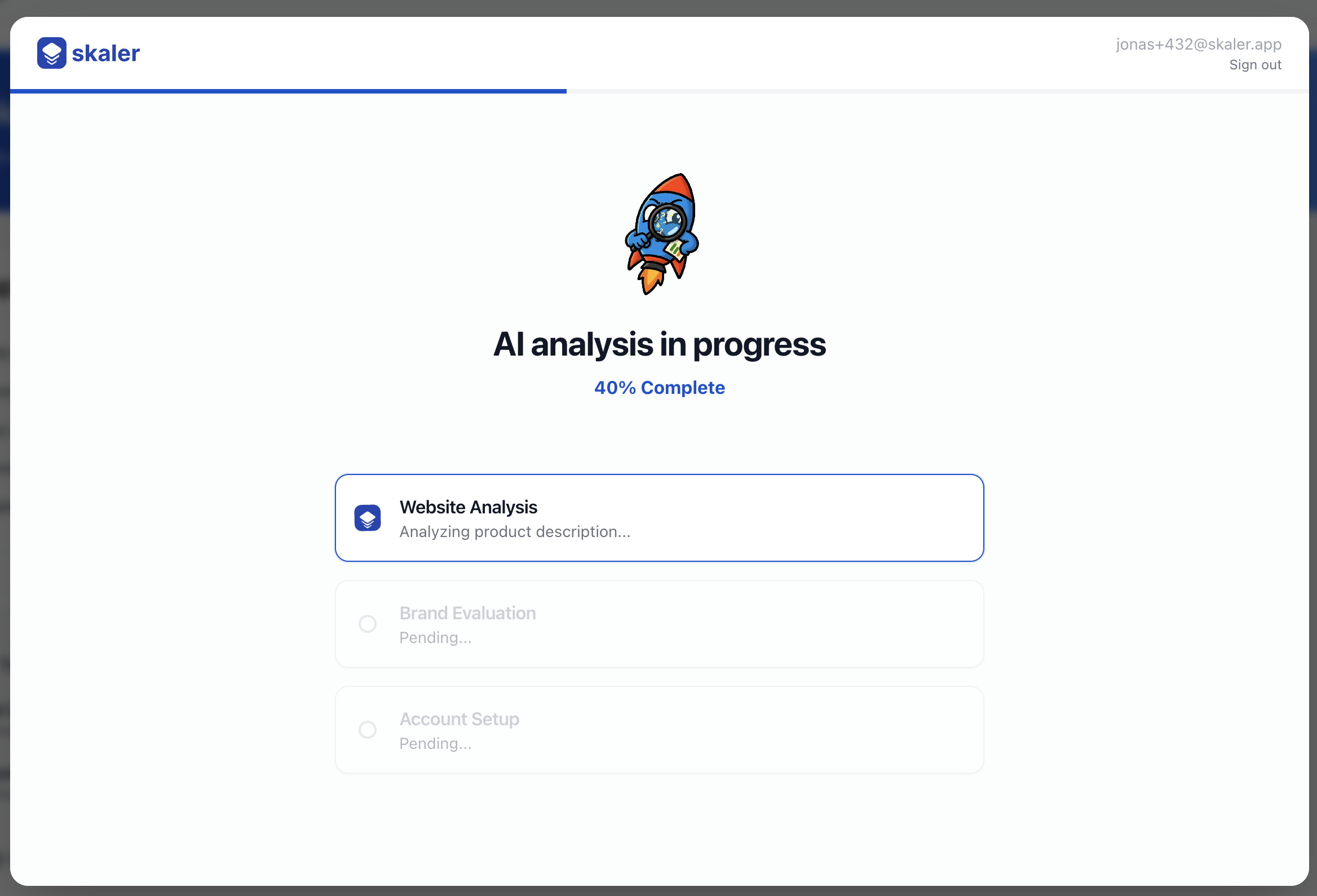
You can skip onboarding at any time and go straight to the dashboard.
Next steps
- Setting Up Your First Product — Add or edit your product details.
- Navigating the Dashboard — Learn your way around the Skaler interface.