
Meta Partnership Ads: Setup, Ad Codes & Permissions (2026)
How Meta partnership ads work: ad codes vs account-level permission, Ads Manager setup, placements, creator reporting, common errors and when to use them.

 Follow on LinkedIn
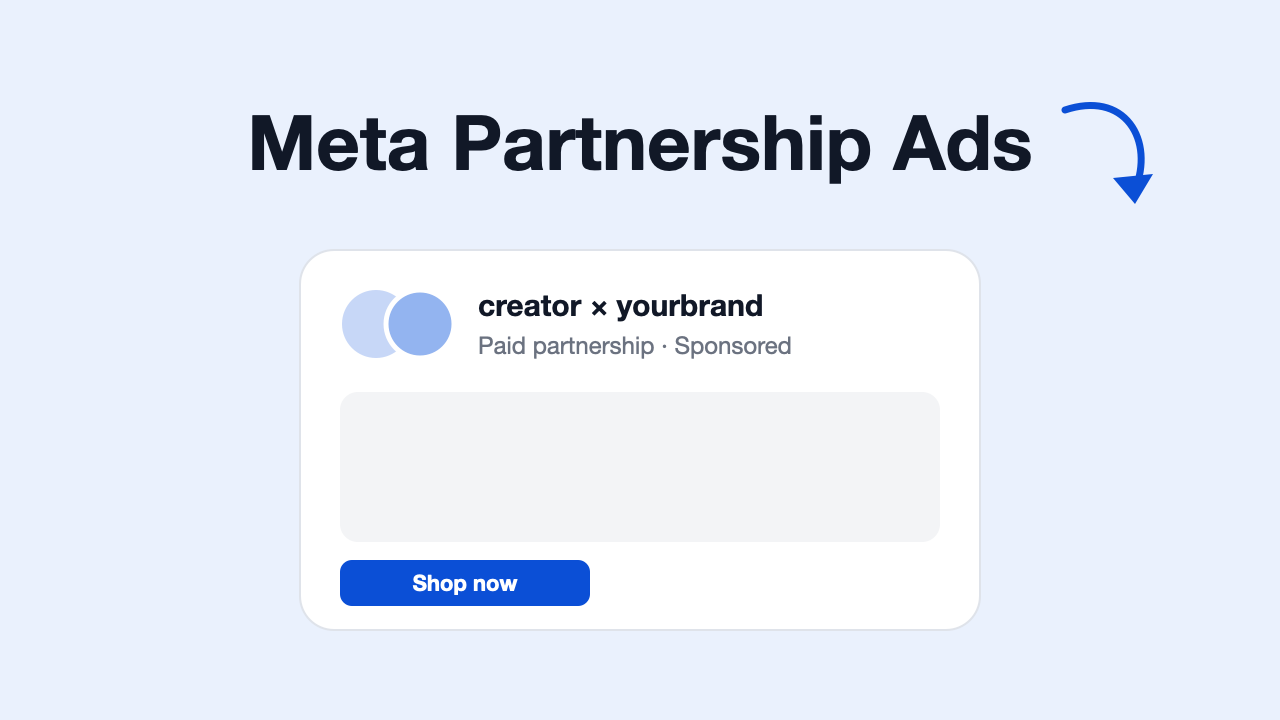
A practical guide to Meta partnership ads, built on Meta's own developer documentation: what they are, how permissions and ad codes work, how to set one up in Ads Manager, where they can run, how to report on them, and the errors that stop them from delivering.
TL;DR: Meta partnership ads (formerly branded content ads) let a brand run Facebook and Instagram ads from a creator's or partner's handle, with both accounts in the ad header. The brand pays and controls the ad; the creator grants permission per post (a partnership ad code or "Allow brand partner to boost") or once for their whole account. Without permission, Meta holds the ad in pending delivery until the creator approves.
Partnership ads replace two messy habits: re-uploading creator videos from the brand's Page, and creators handing over account access so brands can run ads "as" them. This guide sticks to what Meta documents. Where Meta's docs are silent or we couldn't verify a detail, we say so.
What are Meta partnership ads?
According to Meta's Partnership Ads API overview, partnership ads "allow you to run Facebook and Instagram ads" from a creator's or other partner's handle, so the ad carries the creator's voice. In practice:
- Two identities in the header. Meta's ad code documentation says partnership ads show both accounts in the header.
- The brand runs the ad. It's created in the brand's ad account, with the brand's budget, targeting and objective.
- The partner doesn't have to be a creator. Meta's docs say "creator or other partner", so a brand-to-brand collaboration can use the same format.
- It doesn't appear on the creator's profile. Per the same ad code docs, the ad isn't added to the creator's profile grid.
Partnership ads vs branded content ads
Partnership ads are the renamed and expanded version of Meta's branded content ads. Meta announced the rename on its Instagram for Business blog in 2023, and widened the content that could be boosted beyond posts with the paid partnership label (Search Engine Land coverage). "Branded content" still exists as a separate thing: it's the organic post a creator publishes with the paid partnership label, using Meta's branded content tool. A partnership ad is the paid version that runs from that relationship.
How partnership ads differ from whitelisting, boosting and Spark Ads
These terms get mixed up a lot. Here's how they compare:
| Meta partnership ads | "Whitelisting" (account access) | Boosting your own post | TikTok Spark Ads | |
|---|---|---|---|---|
| Who appears on the ad | Creator and brand, both in the header | The creator only | Your brand only | The creator's or brand's TikTok account |
| How access is granted | Creator approves a post (ad code or boost setting) or grants account-level permission | Creator gives the brand access to their Page or account | No partner involved | Creator shares an authorization code for a video |
| Whose ad account pays | Brand's | Brand's | Brand's | Brand's |
| Risk to the creator's account | Scoped permissions the creator can revoke | Broad access to the creator's assets | None | Scoped to the authorized video |
"Whitelisting" (also called allowlisting) is an industry term, not a Meta product name. It usually means a creator gives a brand access to their Facebook Page or Instagram account so the brand can run ads under the creator's name. Partnership ads avoid that hand-over: permissions are granted inside Meta's own tools and can be revoked by the creator.
Spark Ads are TikTok's closest equivalent: the creator shares an authorization code for a video and the advertiser enters it in TikTok Ads Manager (TikTok). Meta's partnership ad code works in a similar way.
Requirements and permissions
There are two parts: the creator must be able to publish branded content, and the brand needs permission to run ads from the creator's content or handle.
Branded content basics
Meta's branded content guide defines branded content as content "that features or is influenced by a brand partner for an exchange of value". Creators publishing it on Facebook need to:
- comply with Meta's Branded Content Policy and Ads Policy,
- use the branded content tool to tag the brand partner in each post (Meta says Pages without the tool can apply for access).
Brands can control who tags them. Meta's post-level permissioning docs describe an optional approved-creator list: when it's on, only creators on your list can tag your brand with the paid partnership label.
Permission option 1: post-level (ad codes and "Allow brand partner to boost")
Post-level permission covers one piece of content.
- "Allow brand partner to boost". On a branded content post that tags your brand, the creator can turn on this setting to let you promote the post as a partnership ad (Meta).
- Partnership ad code. The creator generates a unique ad code for a specific post, story or reel and sends it to you. Per Meta's ad code docs, the code lets a brand boost organic content, including archived content and hidden Collab posts, and it works in Ads Manager and through the API. The creator can delete the code later.
Permission option 2: account-level
Account-level permission is set up once per creator. Meta's account-level permissioning docs say that once a creator accepts the brand's request, the brand can:
- create partnership ads from the creator's handle without a pre-existing post,
- create partnership ads from the creator's existing posts that tag the brand (paid partnership label, @mention, people tags, product tags or Instagram Collabs; the last four are Instagram-only),
- include or exclude the creator's audience in the campaign.
Requests show statuses such as pending, approved or revoked, and an approved permission can be revoked later. Meta documents the same model for Facebook Pages in its Facebook account-level permissioning docs.
On the brand side, Meta's API docs say the person granting access needs the ADS, CREATOR_MANAGEMENT or CREATOR_CONTENT role on the brand's Instagram account, assigned in the People tab of Meta Business Suite.
Same-business exception
If two Instagram or Facebook accounts belong to the same business, and an employee has ads access to both, Meta says they can run partnership ads between them without partnership ad permissions (Partnership Ads Creation). That's useful for brands with several Pages, or for a founder's personal brand account owned by the company.
Which content can be boosted
On both Instagram and Facebook, Meta lists branded content with the paid partnership label, Collab posts, mentions and tags, and other organic content you have permission for (for example, via an ad code). On Facebook, eligible ad accounts get an unpublished copy of the post, so you can change things like the call to action without touching the creator's original.
How to set up partnership ads in Ads Manager
Meta's Help Center articles weren't readable for this guide, so the steps below follow the flow described in Meta's developer docs. Button labels in Ads Manager change often and may differ in your account.
- Agree terms with the creator first. Usage rights, fees and run time are your contract; Meta's tools only handle the ad permission.
- Get permission. Either ask the creator for a partnership ad code for a specific post, ask them to tag your brand with the paid partnership label and turn on "Allow brand partner to boost", or send an account-level permission request (in Meta's partnership ads tools or via the API) and wait for the creator to accept.
- Create a campaign in Ads Manager and choose your objective, as you would for any campaign.
- Set up the ad set: budget, schedule, audience and placements.
- At the ad level, turn on the partnership ad option and add the creator as the partner. Then choose the creative: enter the ad code, pick an eligible existing post, or (with account-level permission) build new creative from the creator's handle.
- Choose the identity. Meta's API docs describe running with the brand as the primary identity and the creator as the partner, or the reverse. Meta also lets the system choose between showing one or both identities; that optimization currently works only on Instagram (Meta).
- Publish. If the required permission is missing, Meta publishes the ad in a pending delivery state, sends the creator a permission request, and the ad starts delivering once they approve (Partnership Ads Creation).
Before launch, check how the creator's video looks in each placement. Our free Instagram Reels safe zone checker and ad mockup generator help with that.
Doing it through the API
The Marketing API covers the whole flow, from content discovery to permission requests and ad creation (Meta). If you build on it, note that Meta says the older branded_content_advertisable_medias and advertisable-posts endpoints will be removed on December 1, 2026, in favour of the Content Discovery API.
Placements, objectives and formats
Meta's developer docs describe partnership ads as Facebook and Instagram ads. A few placement details are documented:
- Facebook delivery depends on linked accounts. If the creator's Instagram and Facebook accounts aren't linked, Meta says the ad won't deliver to that platform. If the creator has no Facebook Page and you use your own Page instead, the ad won't deliver to Facebook (Meta).
- Feed, Stories and Reels content can be sourced. The Content Discovery API covers feed, story and reel posts, and image, video, carousel and link media.
Meta's supported configurations for partnership ads are placement asset customization, Advantage+ creative, click-to-message destinations, Advantage+ catalog ads (carousel or collection), testimonials and lead generation. For lead ads, the instant form must use the greeting card format and be owned by the Facebook Page used in the ad set (Meta).
We couldn't find a single, current list in Meta's docs of every campaign objective and placement that supports partnership ads. Check the options Ads Manager shows you when you switch on the partnership ad option.
How to report on partnership ads
The ad sits in your ad account, so its spend and results show up in Ads Manager like any other ad. For creator programs, the useful extra is a per-creator view.
Meta's Insights API has a pa_creator_ig_handle breakdown that groups results by the creator whose identity the partnership ad ran with. What Meta documents about it:
- It works at ad account, campaign, ad set and ad level.
- Supported fields include
impressions,reach,inline_link_clicksand video completion fields (video_p25_watched_actionsthroughvideo_p100_watched_actions). - Spend, cost fields, unique fields,
actionsand conversion metrics aren't supported in this breakdown. - It can't be combined with other breakdowns.
- Data is available only from September 24, 2026.
So for cost or ROAS per creator, report at ad level and map ads to creators yourself, for example with the creator's name in the ad name. Judge creator videos on the same metrics as the rest of your account; our hook rate benchmarks and free hook rate calculator give you a baseline.
Meta also says active, public branded content on Facebook and Instagram appears in the Meta Ad Library (Meta). Our Meta Ad Library guide shows where to find its Branded Content section, handy for seeing which creators competitors work with.
Common partnership ad errors (and fixes)
| Problem | Likely cause | Fix |
|---|---|---|
| Ad stuck in pending delivery | No partnership ad permission for that creator or post | Ask the creator to approve the request, or get an ad code or account-level permission first |
| "This reel can't be used in ads because it contains copyrighted music." | The reel uses licensed music | Ask the creator for a version without that track |
| Post shows as ineligible | Meta flags some content, e.g. Reels with tappable elements or GIF stickers | Ask the creator for a clean version, or pick another post |
| Ad delivers on Instagram but not Facebook | Creator's Instagram isn't linked to a Facebook Page, or you used your own Page as the identity | Ask the creator to link accounts, or run Instagram-only |
| Creator can't tag your brand | Your approved-creator list is switched on and they aren't on it | Add the creator to the list |
| You can't send a new account-level request | An active request or permission already exists | Check existing requests; a new one only works if none exists or the old one is inactive |
| Can't edit a boosted post's text | Meta says content already boosted can no longer be edited | Boost it again, or create new creative from the creator's handle with account-level permission |
These conditions come from Meta's Content Discovery API, boost existing post, ad code and permissioning docs; Ads Manager may word them differently.
When to use partnership ads
Partnership ads make sense when:
- You already pay creators for content and want their name and voice on the ad, not a re-upload from your Page.
- You want to test creator angles quickly. Account-level permission lets you build ads from a creator's handle without waiting for an organic post.
- The creator won't hand over account access. Scoped, revocable permissions are an easier ask than whitelisting.
- You're co-launching with another brand and want both names in the header.
They're less useful without a creator relationship or usage rights. Treat them as a format to test against your normal ads, not a guaranteed win. Creator ads also wear out like any other creative (see creative fatigue on Meta).
Finding what works across creators and competitors
More creators means more creative to compare. Skaler shows which Meta ads are winning and why — hooks, angles, formats, ROAS — plus competitor ad intel and bulk launching. Works in a dashboard or via MCP. Plans start from $83/mo billed yearly. If you just need ideas for the opening seconds of a creator brief, try the free hook generator.
Frequently Asked Questions
What are Meta partnership ads? Partnership ads are Facebook and Instagram ads that a brand runs from a creator's or partner's handle, with both accounts shown in the ad header. The brand creates and pays for the ad in its own ad account, and the creator grants permission for their content or handle to be used.
Are partnership ads the same as branded content ads? Yes, partnership ads are the renamed, expanded version of branded content ads. Meta renamed them in 2023 and expanded the content you can boost to include Collab posts, mentions and tags, not only posts with the paid partnership label.
What is a partnership ad code? It's a code a creator generates for a specific post, story or reel and shares with a brand. The brand enters it in Ads Manager (or uses it via the API) to run that content as a partnership ad. Per Meta's docs, it also works for archived content and hidden Collab posts, and the creator can delete the code.
Do I need the creator's permission to run partnership ads? Yes, unless both accounts belong to the same business and one employee has ads access to both. Without permission, Meta publishes the ad in a pending delivery state and sends the creator a request; it delivers once they approve.
Can I run partnership ads without an existing creator post? Yes, with account-level permission. Once the creator accepts your request, Meta's docs say you can create partnership ads from their handle without a pre-existing post, using new images or video.
Can I see spend and ROAS by creator?
Not directly through Meta's per-creator breakdown. The pa_creator_ig_handle breakdown supports impressions, reach, link clicks and video completion fields, but not spend, cost or conversion metrics, and only from September 24, 2026. Report at ad level and tag ads by creator to calculate cost and ROAS per creator.
The takeaway
Partnership ads are Meta's official way to run creator content from the creator's own handle. Pick the permission model that fits the relationship (an ad code for one-off posts, account-level permission for ongoing creators), make sure the creator's Instagram and Facebook are linked if you want Facebook delivery, and plan your own per-creator reporting, because Meta's creator breakdown doesn't include spend or conversions.
Sources
- Partnership Ads API overview (Meta for Developers)
- Partnership Ads Creation (Meta for Developers)
- Partnership ad codes (Meta for Developers)
- Account-level permissioning and Facebook account-level permissioning (Meta for Developers)
- Post-level permissioning (Meta for Developers)
- Branded content guide (Meta for Developers)
- Insights API breakdowns (Meta for Developers)
- Instagram has rebranded content ads to partnership ads (Search Engine Land)
- How to use Content Suite to create and launch Spark Ads (TikTok Ads Help Center)
Related Resources
Related Articles
Meta Marketing API: Access, Tokens, Rate Limits & Insights (2026)
How to use the Meta (Facebook) Marketing API: get access, pick the right token, handle rate limits, pull reporting with the Insights API and create ads paused.
Meta Ad Library API: Access, Fields & Limits (2026)
How the Meta (Facebook) Ad Library API works: access steps, ads_archive fields, a working curl request, error codes, coverage limits, and scraping vs API.